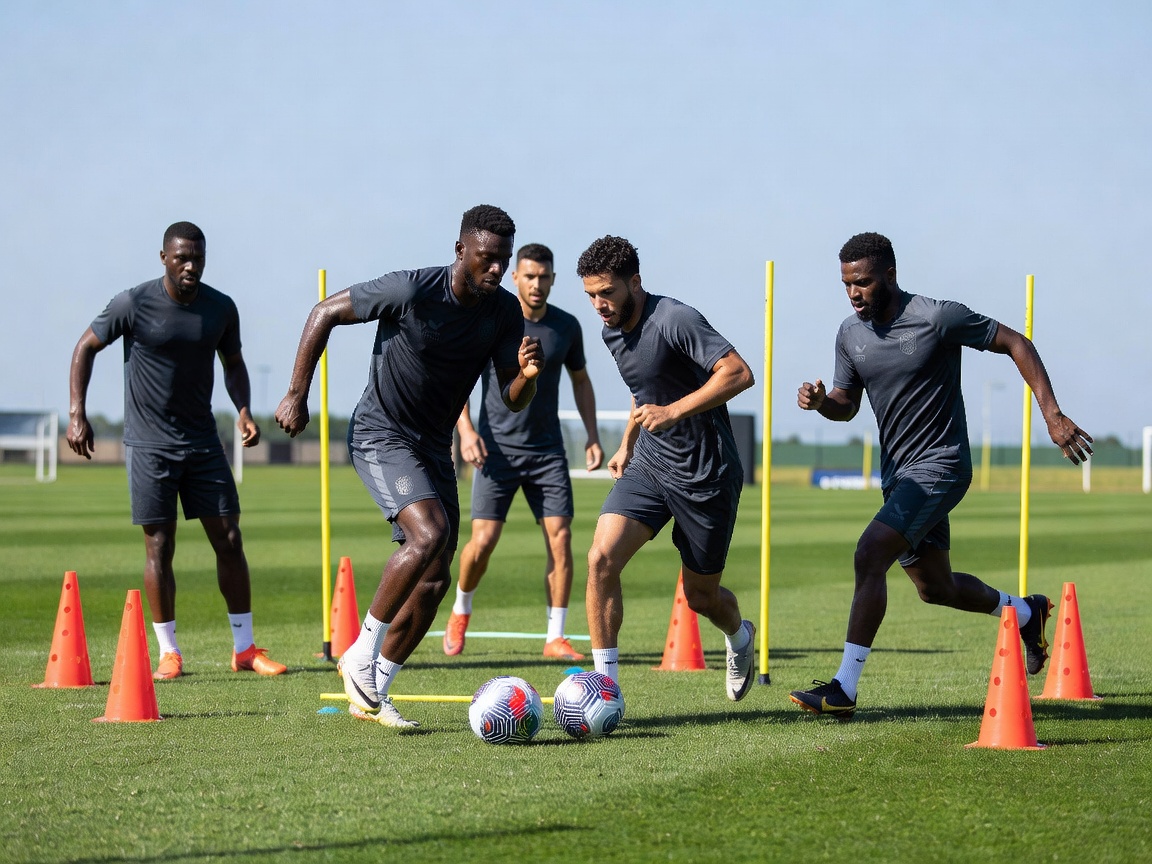
Training and broadcast teams work with large amounts of video, repeated actions and time-sensitive information. AI tools can help organise that material, suggest patterns and speed up routine tasks. Their usefulness depends on whether people can verify the result and adapt it to the needs of the athlete, coach, audience or production.
Training-plan support and coaching workflows
Planning software may help staff organise sessions around a goal, training calendar or available observations. An AI assistant could summarise previously entered notes, surface recurring themes or suggest a draft structure from coach-provided constraints. That output is a starting point for discussion, not a training prescription. The coach remains responsible for adapting the plan to the group, the facilities and the day’s conditions.
Useful planning tools show where a suggestion came from and allow staff to change it. They should not invent an athlete history, quietly substitute generic assumptions for a coach’s knowledge, or conceal constraints that were not considered. A team should know whether information is stored, whether it is used to improve a service and who can view it.
Video feedback and technique review
Video can make a movement easier to revisit from several angles. Computer vision may locate a repeated action, identify approximate body landmarks or align clips around a chosen event. For example, a coach might use annotated video to discuss a sequence in a tennis serve or a movement pattern during a running drill. The model does not necessarily know whether a technique is appropriate for that athlete or instruction.
Good feedback is specific, timely and suited to the learner. A tool that generates many measurements can overwhelm rather than clarify. Coaches should choose a small number of cues, explain what they observe and invite the athlete’s perspective. Different bodies and roles may perform a task in different ways; a single reference pattern should not become an unquestioned standard.

Automated tagging and highlights
Automated video tagging can locate likely events such as a shot, rally, score change or substitution. Highlight tools can use event labels, audio changes or editorial rules to propose clips. This may reduce time spent searching long recordings, particularly when material must be organised quickly. But a detected event can be incomplete, mistimed or misclassified, and a highlight sequence can miss the story around the moment.
Reliable workflows preserve a review step. A person checks identities, timing, score context, rights and whether the clip is suitable for the intended audience. A system should make it possible to correct labels and trace a selected clip to its source. For sensitive footage, teams should establish who is allowed to create, export and publish a cut.
Broadcast graphics and real-time constraints
Broadcast graphics may present structured match information, movement visualisations or summaries to audiences. AI-assisted systems can help prepare or update these elements, but a live production environment has constraints: network delays, incomplete feeds, changing camera views and pressure to publish quickly. An error in a real-time graphic can mislead viewers even if a correction follows.
Production teams should verify data sources, definitions and updates before putting an output on air. Graphics need clear labels so viewers can distinguish an observed event from a model-generated estimate. Where a prediction or automated interpretation is shown, the uncertainty and basis should be explained in accessible language. Speed should not remove an editorial check for accuracy and fairness.
Where automated interpretation goes wrong
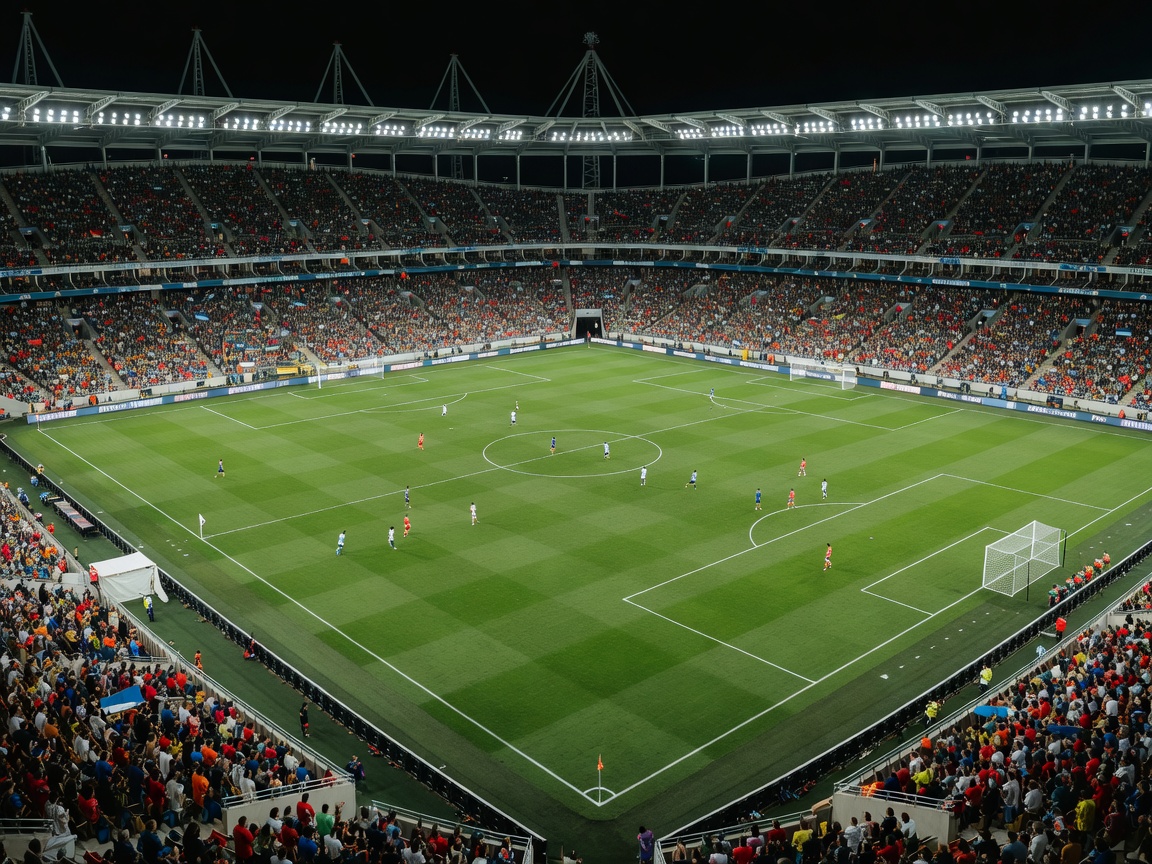
Systems can mistake a camera cut for a new event, confuse similarly dressed people or miss an action outside the frame. A summary generator may flatten disagreement or present a plausible-sounding statement unsupported by the footage. A technique model may fit poorly when camera position, equipment or athlete movement differs from its examples. Confidence can be misplaced when an output is fluent or visually polished.
Staff should test tools with the kinds of footage and conditions they actually handle. Track error types, not only overall accuracy, and decide which mistakes carry the greatest consequences. Establish a correction path and a named reviewer. Do not publish unverified automated claims about people, nor use generated summaries as a substitute for a reporter’s or coach’s own observation.
Choosing and introducing a tool
Start with the repetitive task or learning objective, then map who uses the output and who may be affected. Evaluate fit with existing cameras, software, internet access and staff capacity. Ask about latency, export rights, data retention, security, supported languages and how the tool indicates uncertainty. A pilot should include realistic edge cases and feedback from both practitioners and end users.
Set boundaries for use before launch. Decide which tasks are drafts only, what must be checked by a person, and how corrections are documented. Consider whether athlete footage can be used for model training or shared externally. Give athletes and audiences a clear explanation when automation materially shapes a decision or presentation.
WHAT TO KNOW
AI can assist coaching and production teams with search, organisation and draft analysis. People remain responsible for sporting decisions, accuracy, editorial context and published interpretation.
Good for
- Finding relevant moments in long video recordings.
- Preparing draft tags, summaries or session materials for review.
- Supporting consistent video feedback around a specific learning goal.
- Helping production teams organise footage while retaining editorial control.
Before putting automation to work
| Area | Practical safeguard |
|---|---|
| Accuracy | Review representative clips and document common error types. |
| People | Keep accountable coaches and editors in the decision loop. |
| Timing | Allow verification time before live or published use. |
| Privacy | Control access, retention, export and any reuse of footage. |
Tools are most useful when they leave room for professional judgment and correction. Explore video-based player analysis, performance tracking and match data. To discuss the guide, contact the publication.